Panels |
  
|
Panels |
|
There are two interfaces in T-FLEX CAD: ribbon and textual. Ribbon interface offers a convenience of commands usage and their easy searching. Textual interface was used in previous versions of the system.
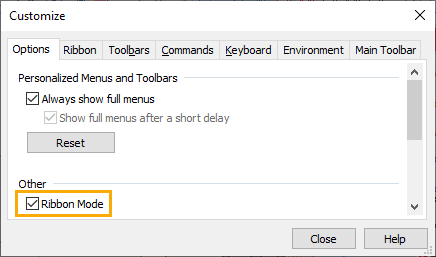
You can use flag Ribbon mode in the Customize system command on the Options tab.
Topics in this section:
•Common Elements of Ribbon and Textual Interfaces
See also: